Foodwaster
A mobile app that helps people track what's in their kitchen, catch food before it expires, and cook with what they already have. The goal is to cut everyday food waste.
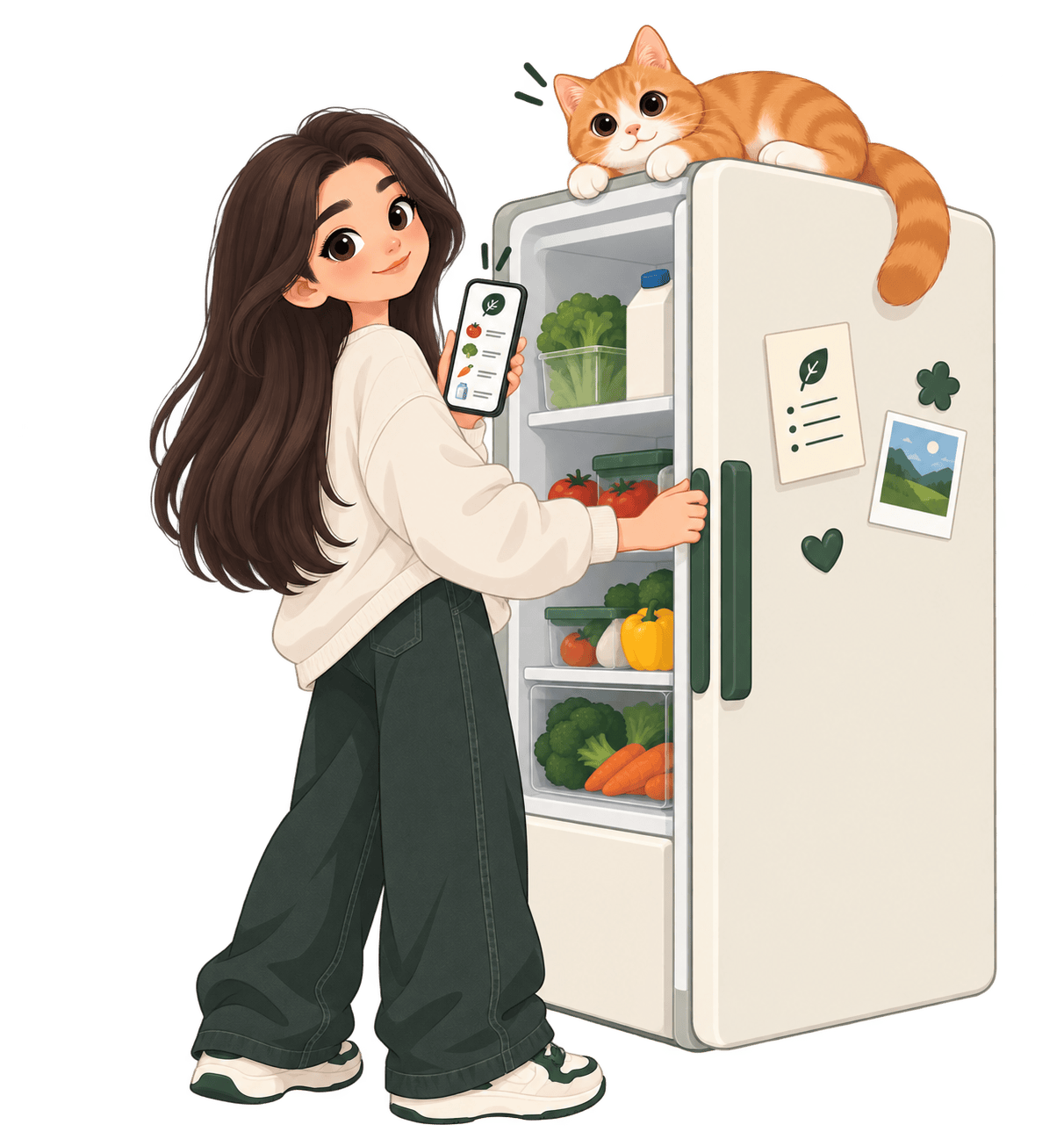
Students & young professionals
Aged 16 to 35, living alone or in shared housing. These are the households where everyday food waste hits hardest.
Food waste, everywhere
Bulk buying, forgotten leftovers, and unclear expiry dates turn ordinary kitchens into a quiet source of waste, with a real cost to budgets and the planet.
Track, alert, cook
One app that tracks what's in the fridge, warns before food expires, and turns what's left into recipe ideas, so less gets thrown out by accident.
We followed a Design Thinking process (Empathize, Define, Ideate, Prototype, Test), running one full cycle from user research to a validated, testable prototype.
11 interviews, 2 personas, 4 core pain points
We ran 11 remote interviews over Zoom with students, couples, families and individuals aged 23 to 53, then used thematic analysis to surface shared behaviours and frustrations. The insights fed into two personas representing our core user groups.
- Solo households and couples waste more, limited fridge space makes bulk packs hard to use up
- Bulk buys save money, but the excess often goes unused or badly stored
- Expiry dates and past purchases are hard to track, especially for fresh items and opened jars
- Roommates struggle to keep each other updated on what's left in a shared fridge


Smart fridges, surplus apps, and food trackers
We mapped the existing landscape across three angles, smart hardware, surplus marketplaces, and food tracking apps, to see what worked and where the gaps were.
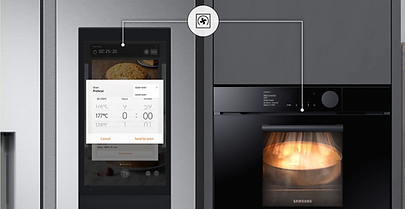

Interior cameras and expiry reminders, but locked to expensive hardware.
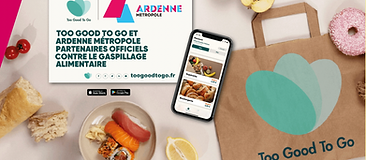

These solve waste at the retail or community level, not inside your own kitchen.

Barcode scan or manual entry to log what's in stock. Closest to our idea, but the onboarding is rough.
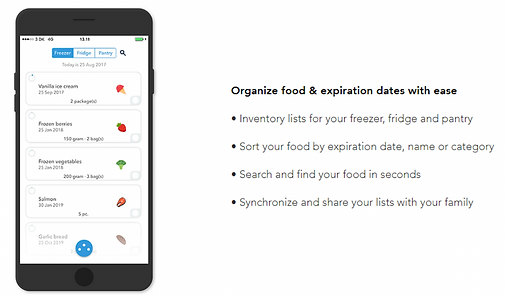
Receipt scanning and voice input to log groceries, then recipe suggestions based on what's on hand.
From smart-fridge concepts to five paper-prototyped flows
We sketched a wide range of directions, including a camera-scanning smart fridge, NFC food tokens, and a nutrition tracker, before converging on five core interactions: a recipe hub, a shared virtual fridge, a waste dashboard, a barcode scanner, and a QR code to share the fridge with housemates. These became paper prototypes that we filmed and walked real users through.


Four screens, 10 testers, first real feedback
Our first Figma prototype covered four pages plus a modal: Home for registered food and managing ingredients, Recipe for searching by ingredient with alternatives, Dashboard for tracking waste over time, and Settings for sharing storage with housemates. Two groups of five Paris-Saclay students tested it on a laptop and were then interviewed about the experience.

10 testers, 4 key fixes
Two groups of five University Paris-Saclay students tested the prototype on a laptop and were interviewed afterward. Their feedback reshaped the next version.
- Wanted a filter for the food list and recipes instead of scrolling through everything
- Scroll, slide and drag interactions felt unclear and needed more explicit cues
- Expired items should stay in the same list rather than a separate screen, since they can often still be used
- Dashboard labelling and interactions needed to be clearer
Five tabs, full interactions, camera-based scanning
Home, recipe, add, dashboard and settings, with complete touch, scroll and slide micro-interactions and notifications. Camera-based scanning was built in Protopie for authentic interaction. Since there is no real backend, the data behind it follows a Wizard-of-Oz approach, but the flows are fully walkable end to end.
Try the prototype ↗